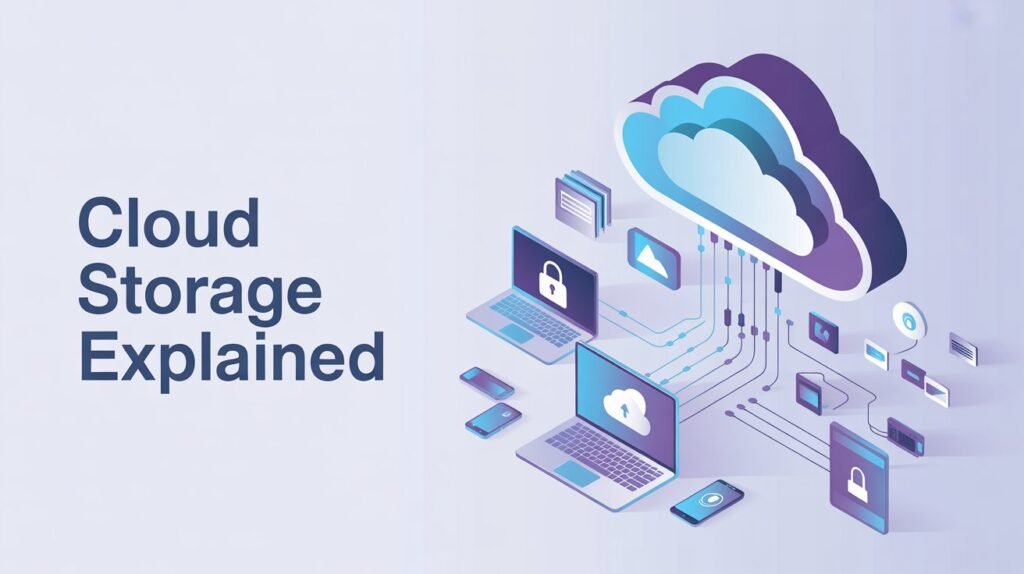
Cloud storage refers to the storage of data on remote servers instead of your computer’s hard drive. These servers are managed by service providers and are accessed through the internet.
In simple words, instead of saving files on your laptop or phone, you store them online. This online space is often called “the cloud.”
This system allows you to access your files anytime, from anywhere, using any device with internet access.
What Is the Cloud?
The term “cloud” might sound confusing at first. It does not mean the sky or weather clouds.
In technology, the cloud refers to a network of powerful computers (servers) that store and manage data. These servers are located in large data centers around the world.
When you upload a photo, video, or document to the cloud, it gets saved on these remote machines instead of your local device.
This is why people often ask, “what is cloud” or “what is the cloud?” or “what is the Google cloud?”
The answer is simple:
It is a system that lets you store, manage, and access data over the internet.
What Is Cloud Storage?
Cloud storage is a service that allows users to save data online instead of on physical devices.
It works through internet-connected servers that store your files safely.
Instead of worrying about losing your data if your phone or computer breaks, you can store it in cloud space, where it stays protected.
Some key points about cloud data storage:
- It stores files online
- It can be accessed from anywhere
- It reduces the need for physical storage devices
- It offers backup and recovery options
What Is Cloud Memory Storage?
Many people also search for “what is cloud memory storage.”
This term is similar to cloud storage but focuses more on how data is stored and managed in virtual memory systems.
Cloud memory storage refers to the use of remote servers to store data in a way that behaves like memory. It allows fast access and processing.
For example:
- Apps can load data quickly from cloud servers
- Systems can process large amounts of data without needing local memory
In short, it combines storage and computing power.
How Cloud Storage Works
Understanding how cloud data storage works is simple when broken into steps:
- You upload a file (photo, document, video)
- The file is sent over the internet
- It is stored on a remote server
- The server keeps your data safe
- You can access it anytime using login details
Your data is often stored in multiple locations. This is called redundancy, and it helps protect your files from loss.
Types of Cloud Storage
There are different types of cloud storage systems. Each type serves a different purpose.
1. Public Cloud Storage
This is the most common type.
The storage is provided by third-party companies and shared among many users.
Examples include:
- Online file storage services
- Backup platforms
It is affordable and easy to use.
2. Private Cloud Storage
This type is used by a single organization.
The storage system is not shared with others.
It offers:
- Better security
- More control
- Custom solutions
3. Hybrid Cloud Storage
This combines both public and private storage.
Companies use it to balance cost and security.
For example:
- Sensitive data is stored in private cloud
- General data is stored in public cloud
Benefits of Cloud Storage
Cloud storage has become popular because of its many advantages.
Easy Access Anywhere
You can access your files from any device with internet access.
This is one of the biggest benefits of cloud space.
Data Backup and Recovery
If your device gets damaged or lost, your data remains safe in the cloud.
This makes cloud data storage a reliable backup solution.
Cost-Effective
You do not need to buy expensive hardware.
You only pay for the storage you use.
Scalability
You can increase or decrease storage as needed.
This flexibility makes cloud storage suitable for both individuals and businesses.
Collaboration Made Easy
Multiple people can work on the same file at the same time.
This is useful for teams and students.
Disadvantages of Cloud Storage
While cloud storage has many benefits, it also has some limitations.
Internet Dependency
You need an internet connection to access your data.
Without it, you cannot reach your files.
Security Concerns
Although providers use strong security, data stored online can still be a target for hackers.
Limited Free Storage
Many services offer free storage, but it is limited.
You may need to pay for more space.
Examples of Cloud Storage in Daily Life
You may already be using cloud data storage without realizing it.
Here are some common examples:
- Saving photos online
- Using email services
- Streaming videos and music
- Online document editing
All these services rely on the cloud to store and deliver data.
Cloud Storage vs Local Storage
Let’s compare cloud storage and local storage:
Cloud Storage
- Data stored online
- Accessible from anywhere
- Requires internet
- Safer from physical damage
Local Storage
- Data stored on device
- Limited access
- No internet needed
- Risk of data loss if device fails
Both have their uses, but cloud storage is more flexible.
Security in Cloud Storage
Security is very important in cloud data storage.
Providers use several methods to protect your data:
- Encryption (data is coded)
- Password protection
- Multi-factor authentication
- Data backups
These measures make cloud systems safer.
Who Uses Cloud Storage?
Cloud storage is used by many different people and organizations:
Individuals
People use it to store photos, videos, and documents.
Students
Students use cloud space for assignments and notes.
Businesses
Companies use cloud data storage to manage large amounts of data.
Developers
Developers use cloud systems to build and run applications.
Future of Cloud Storage
The future of cloud storage looks very promising.
With increasing internet use, more data is being created every day.
This means the demand for cloud data storage will continue to grow.
Some future trends include:
- Faster cloud services
- Better security systems
- More affordable storage
- Integration with artificial intelligence
Why Cloud Storage Is Important
Cloud storage plays a key role in modern technology.
It helps:
- Store large amounts of data
- Share information easily
- Protect important files
- Support digital transformation
Without the cloud, many online services would not exist.
Conclusion
Cloud storage refers to the storage of data on remote servers accessed through the internet.
It is a simple, powerful, and flexible way to manage data.
By using cloud storage, users can enjoy easy access, better security, and cost savings.
Whether you are a student, professional, or business owner, understanding what is cloud storage, what is the cloud, and how cloud data storage works is essential in today’s digital world.